> For the complete documentation index, see [llms.txt](https://docs.storysdk.com/llms.txt). Markdown versions of documentation pages are available by appending `.md` to page URLs; this page is available as [Markdown](https://docs.storysdk.com/tutorial/stories-size.md).
# Stories size
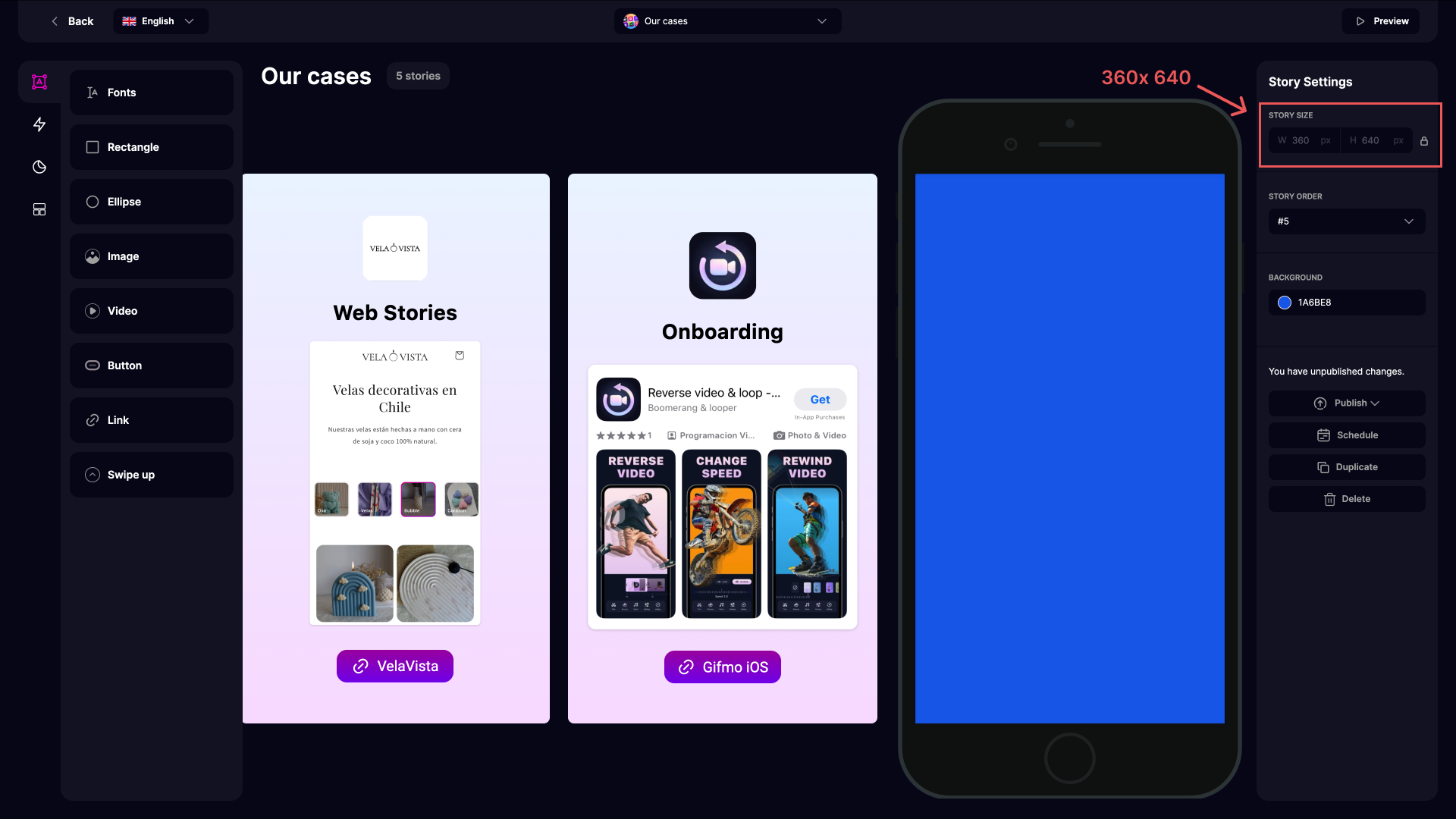
StorySDK editor is built on a vector grid principle with a base size of 360x640.
The StorySDK editor is built on a **vector grid principle** with a **base size of 360x640**. This ensures full compatibility with popular design tools like Figma and Sketch. By using this approach, designers no longer need to manually calculate button sizes and spacing, streamlining workflows and simplifying the creation process.
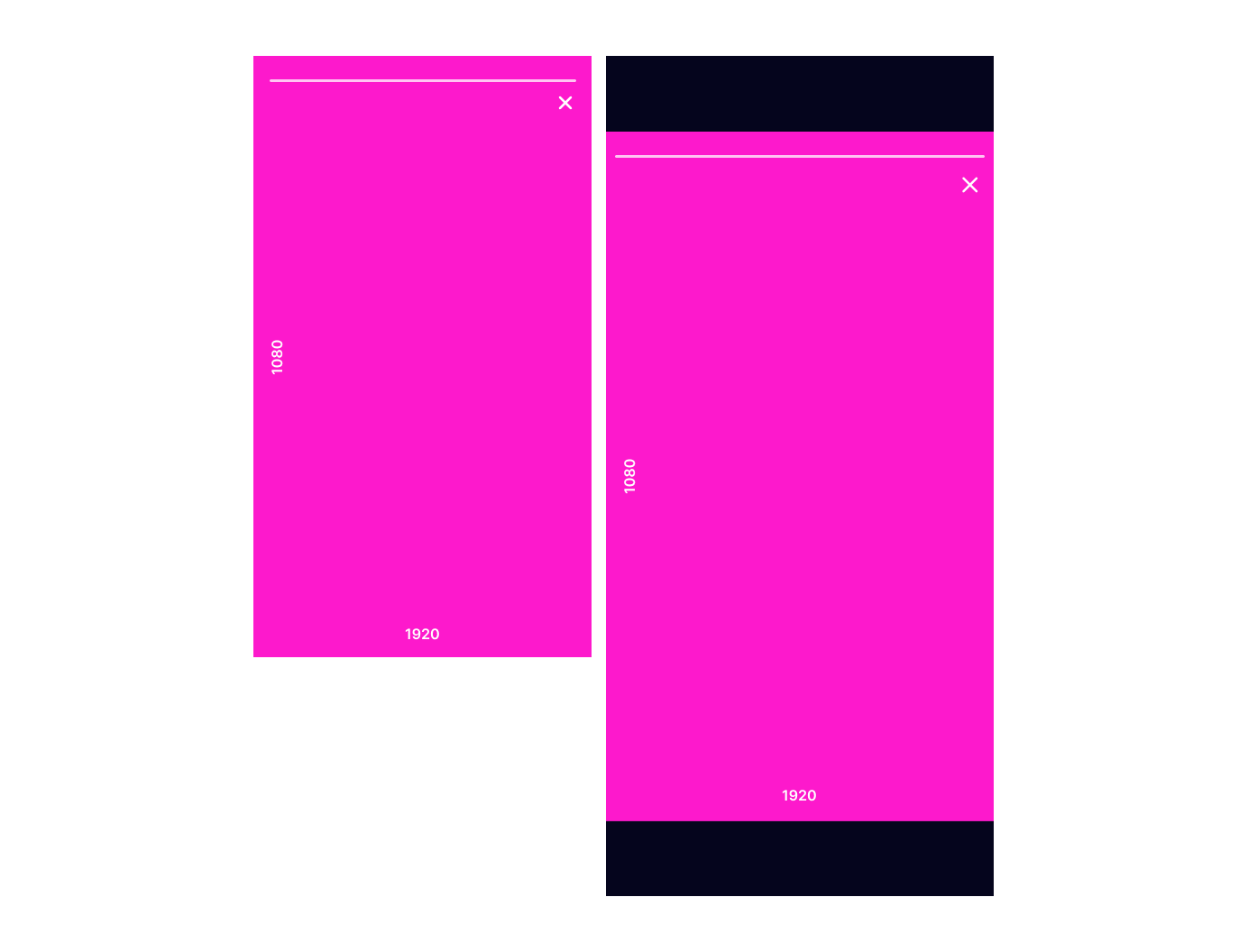
For story player, StorySDK employs vector scaling. This method dynamically adjusts the story size to fit the user's screen without compromising quality, ensuring sharp and visually appealing results across all devices.
When working with raster images, we recommend using a resolution of **1080x1920** — the standard adopted by Instagram. This format strikes the perfect balance between high-quality visuals and fast loading speeds. Additionally, like Instagram, StorySDK automatically centers stories on larger screens, ensuring a comfortable viewing experience.
With StorySDK, you get a seamless blend of design efficiency and top-tier content quality for users.